Upload your PDF. Get study-ready flashcards in 10 seconds.
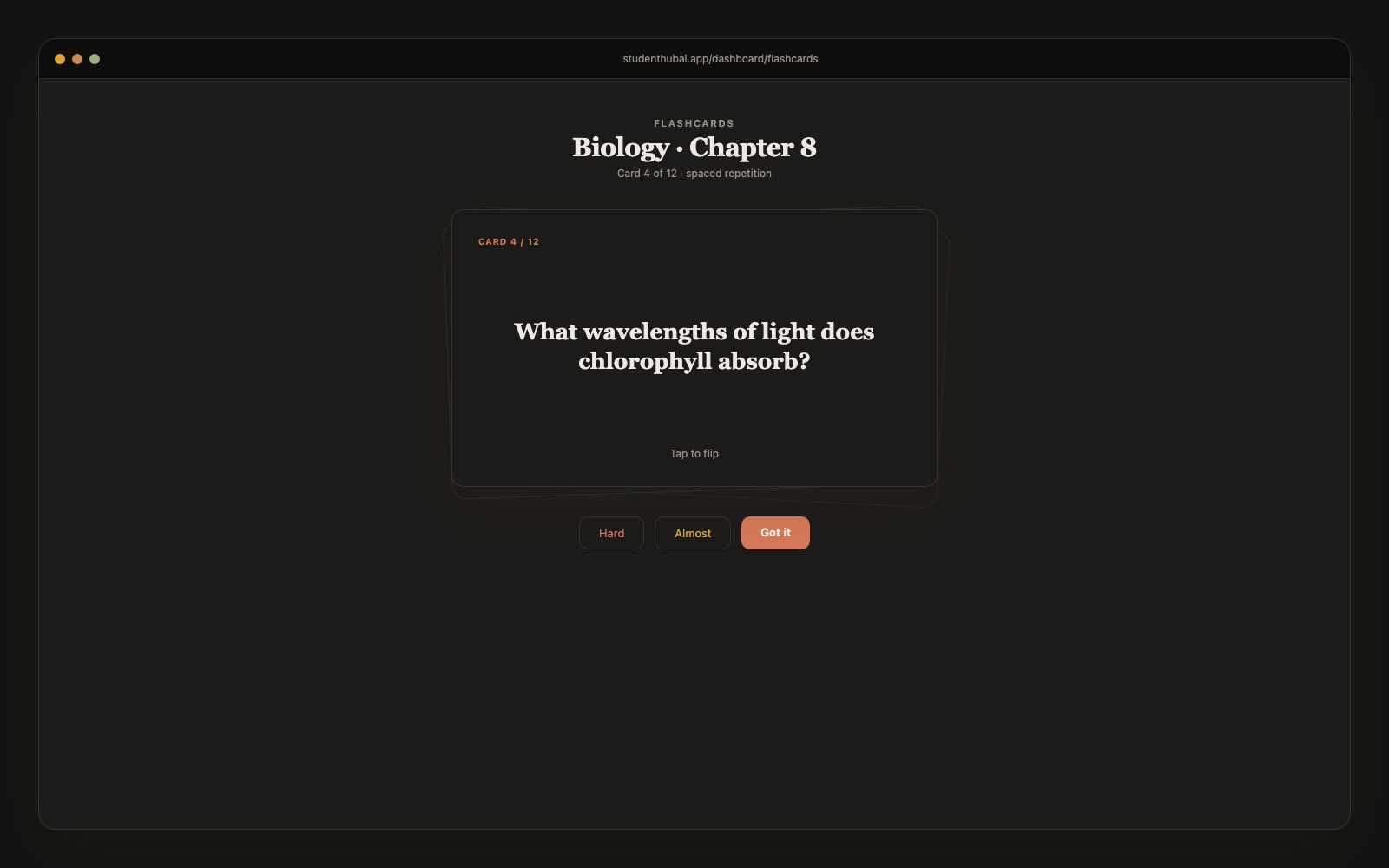
Drop a textbook chapter, lecture slide deck, or research paper. AI extracts the testable concepts and turns them into accurate flashcards: with definitions, applications, contrasts, and edge cases. Spaced-repetition study mode included.
Free plan · No credit card
How it works
Three steps. Done in 60 seconds.
Upload your PDF
Textbook chapter, lecture slides, research paper, lab handout. Any PDF up to ~50 pages.
AI extracts the testable content
Skips fluff (acknowledgments, methodology details you won't be tested on). Focuses on definitions, key concepts, applications, common misconceptions.
Study with spaced repetition
15-30 flashcards ready in 10 seconds. Study mode re-queues based on how well you knew each card.
Why it works
Built for actual studying, not just demos.
Works with scanned PDFs
OCR built in. Even photographed lecture slides work as long as the image is reasonably clear.
Multi-page handling
Up to ~50 pages per PDF. For longer textbooks, split into chapters and process each separately for best results.
Skips irrelevant content
AI is trained to ignore acknowledgments, author bios, methodology citations, and other content you won't be tested on.
Card variety
Mix of definition, concept, application, and contrast cards. Not 30 identical lookup-style cards.
Editable
AI got something wrong? Click any card to edit. Your changes are permanent.
Export to Anki / CSV
Prefer to study in Anki? Export your generated deck and import as .apkg. We don't lock you in.
vs alternatives
Why students switch to StudentHubAI
FAQ
Common questions
How many pages can one PDF be?+
About 50 pages per upload keeps the quality high. For a whole textbook, upload it a chapter at a time. A chapter usually turns into 20 to 30 cards.
Does it work with scanned or handwritten PDFs?+
Scanned pages go through OCR and generally come out fine. Handwriting depends entirely on how neat it's, so if yours is rushed you'll get better cards by typing the notes up first.
How accurate are the cards?+
Good enough that most students keep them as-is, and every card is editable when one misses. We spend the money on the better reasoning models rather than the cheapest ones, which shows up most in the harder application questions.
Can I combine multiple PDFs?+
Upload each one as its own note, then generate from the whole set at once. That's the easiest way to revise a full unit rather than a single reading.
Will it handle STEM textbooks with equations?+
Concept-heavy subjects like bio, neuro and physiology extract really well. Equation-heavy material is patchier, since complex formulas come through as plain text rather than properly typeset math.
Can I export to Anki?+
Yes, as .apkg or CSV. Your cards aren't locked in here.
Is there a free plan?+
Yes, with no card. The Free plan keeps your notes and decks and gives you a small monthly allowance of AI flashcards and study guides. Pro is $5.99/mo or $49/year, cancel whenever.
Ready to stop rewriting flashcards by hand?
Free plan, no credit card. Pro whenever you want it.
Start free →More study tools